01
Tell us what you're promoting.
Describe your product, app, or service, or paste a link. Add up to three product photos or app/website screenshots if helpful.
Your brief. Images optional.AI video ads for products, apps & services
One brief. Endless ad versions. Add optional photos or screenshots, find selling angles, and create AI video ads for your product, app, or service. Test different hooks and messages in your ad platform to find what converts.
No filming needed. Each new video uses credits.

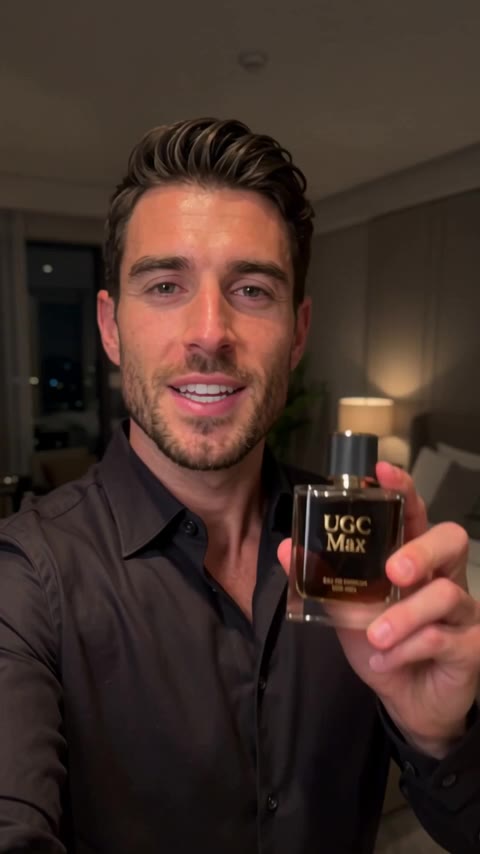
Less production. More possibilities.
Keep your brief, images, angles, and ad versions together in one reusable workflow. Each new video uses credits.
Describe your product, app, or service, or paste a link. Add up to three product photos or app/website screenshots if helpful.
Your brief. Images optional.Tap Find selling angles to explore hooks, audiences, and benefits. Your saved angles stay available for more ad versions.
A fresh way to say itChoose an angle, video format, and optional creative instructions. Tap Create ad version to generate the script and video automatically, with AI-generated audio.
Preview. Download. Share.Made with UGC Max
From skincare to everyday essentials.
See how these products became ads.
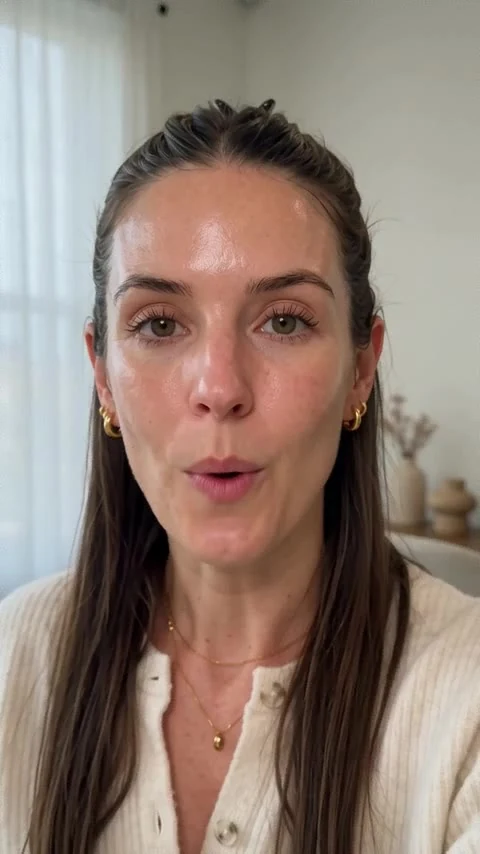 First impressions
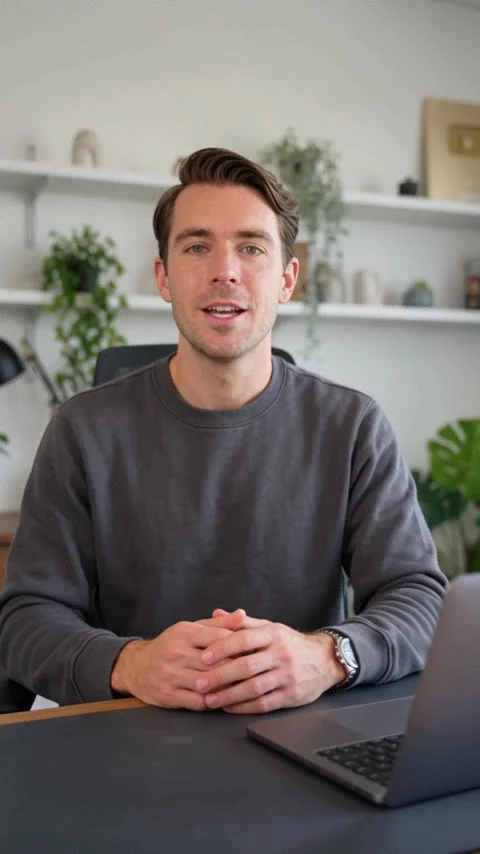 Everyday essentials
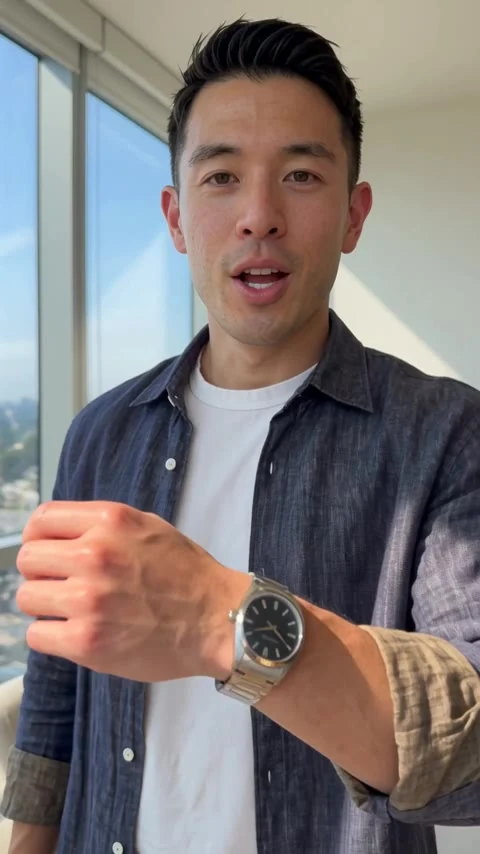 Everyday style
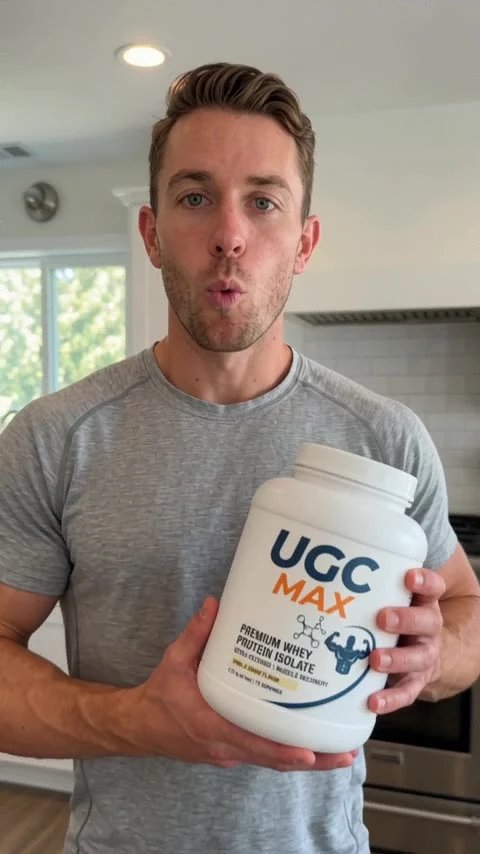 Fresh perspectives
AI-generated product examples. Your results will vary with your brief, reference images, and creative direction.
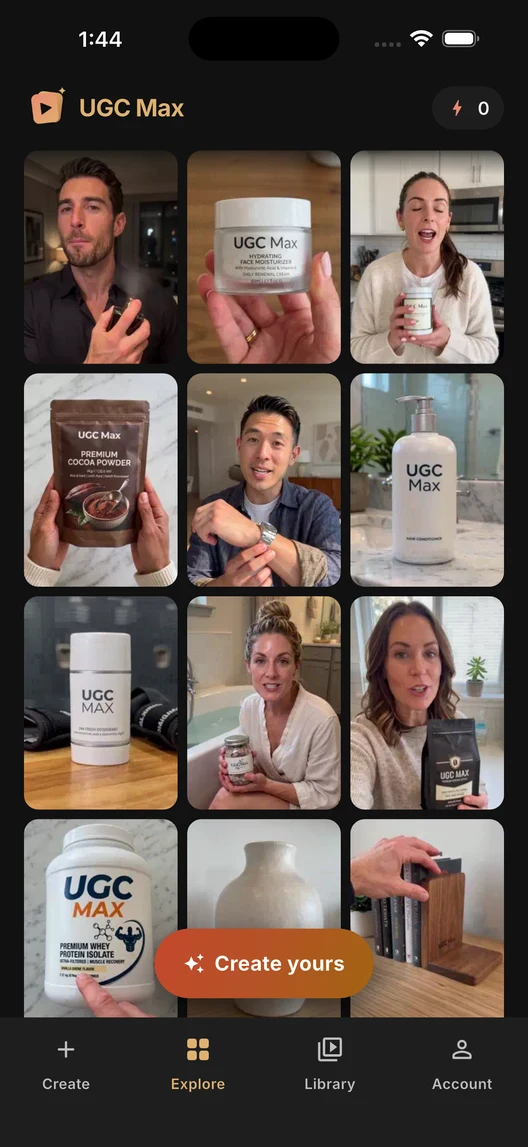
Browse examples and see how they were made, without signing in.
Small app. Big creative energy.
For the product you're launching, the app you're growing, and the service you want people to discover.
Choose portrait or landscape, video length, and Standard or 720p HD quality for each ad version.
Set the language and target country in your brief. They stay shared across the workflow’s ad versions.
Return to Your ad library and open a workflow. Choose New ad version to reuse a selling angle or generate more angles, then download videos to test in your ad platform.
Built around your offer
Turn your product brief and photos into selling angles and AI video ads. Create different hooks and ad versions without filming with UGC Max.
Explore this use case ↗Create AI video ad versions for your app or website from a brief and optional screenshots. Explore hooks and selling angles with UGC Max.
Explore this use case ↗Create AI video ads for your service business from a clear brief. Find selling angles, choose a message, and generate ad versions with UGC Max.
Explore this use case ↗Describe your product, app, website, or service: what it does, who it helps, and why someone should choose it. You can paste a link and add up to three product photos or app/website screenshots. Images are optional. Browse examples and prepare your draft before signing in to generate.
Screenshots give the AI a reference for your app or website. A supplied screen can appear as static UI on a device in the video, while the presenter explains its benefits. Screens remain static, without taps, typing, or scrolling.
Yes. Describe what you offer, who it helps, and the action you want viewers to take, such as booking or enquiring. Website screenshots are optional. Standalone photos of service delivery, premises, or before-and-after results are not supported; use a description or website screenshot instead.
Yes. Your free account includes one ad angle set, once. Personalized video generation requires a paid subscription and uses credits. Compare monthly prices and allowances on our pricing page.
No filming or script writing is needed. Choose an angle, select your format, and tap Create ad version. UGC Max automatically generates the script and video, including AI-generated visuals and audio.
Yes. Your workflow keeps the brief, images, language, country, selling angles, and ad versions together. Choose New ad version in the gallery to return to your angles. Reuse an angle or choose Generate more angles, which uses another ad angle set. Each new video uses credits. Once your first angles arrive, shared inputs are locked; start a new workflow to change them. Video format and optional creative instructions are chosen for each version.
Your video's credit cost depends on its duration and quality. You'll see the total before generation starts. Creating each new ad version uses credits, even when you reuse a saved angle; watching, downloading, or sharing a finished video does not.
You can download and share your finished videos for your campaigns, subject to our Terms of Use. Check advertising claims and visuals, make sure you have permission to use your source material, and follow the AI disclosure and advertising rules for your platform.
UGC Max creates AI-generated videos in a user-generated-content style. The people and scenes in these examples are generated; they are not customer testimonials or real endorsements.

Your next idea deserves a great story.
Coming soon to iOS and Android.
A whole creative workflow, right in your pocket.
One free ad angle set, once. Each video uses credits and requires a paid plan.
Questions? Get in touch