Start with the user's problem
Describe who uses your app, what they want to accomplish, and the concrete benefit. You can include a public app or website URL in your brief.
For app builders and digital products
Your app does more than fill a screen. Explain the problem it solves, add optional app or website screenshots, and let UGC Max develop different selling angles. Choose one to create an AI video ad with a script and generated audio.
Open UGC Max ↗One free ad angle set, once. Video ads use paid credits.
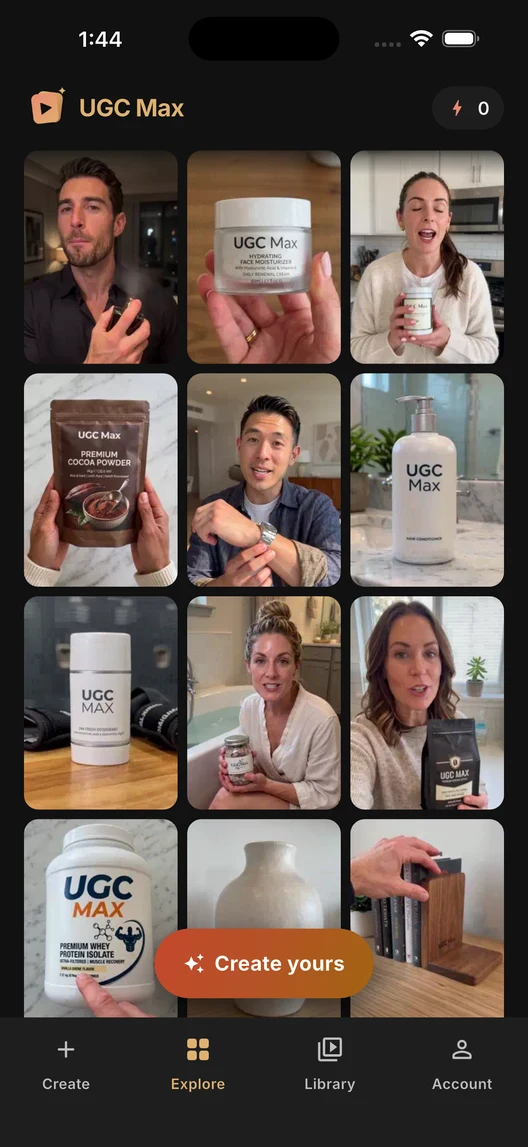
Describe who uses your app, what they want to accomplish, and the concrete benefit. You can include a public app or website URL in your brief.
Choose up to three screenshots from your device. Use screens that make the product clear. On the web, upload screenshots manually; automatic extraction from websites is not available.
Choose from the generated hooks and messages, then set the video format and optional direction. Review the generated ad before using it in an acquisition campaign.
A planning app could focus on the relief of an organized week, while a learning product could lead with a small daily habit. Give UGC Max accurate information about your app and its intended audience. The generator is instructed to treat supplied screenshots as static references, rather than inventing taps or new screens. AI output still needs your review: verify the UI, spoken claims, and product details before publishing. Create different ad versions from the same saved workflow to test your message in your own ad platform.
No. You provide the brief and optional screenshots. UGC Max generates a video; it does not operate your app or capture a live screen recording.
Yes. Explain the digital product and the outcome it helps people achieve. Optional website screenshots can provide visual context.
Yes. Sign in with the same account to use your shared workflows and remaining allowance. Purchase and manage subscriptions through the mobile app and original store.
You can explore published examples and their walkthroughs as a guest. An account receives one free ad angle set, once. Creating personalized videos requires a paid plan and credits.